Most barcode printers can print a good label. What separates a good purchase from a poor one is how well the printer fits your daily volume, your label material and the place it has to work. Answer the questions below in order and the choice usually narrows to two or three models.
Start with your daily volume
| Type | Suits | Typical place |
|---|---|---|
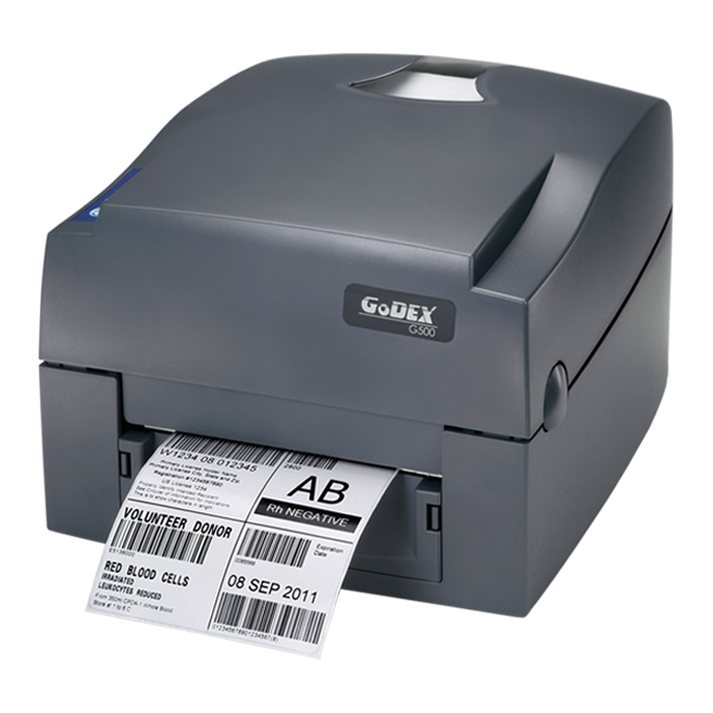
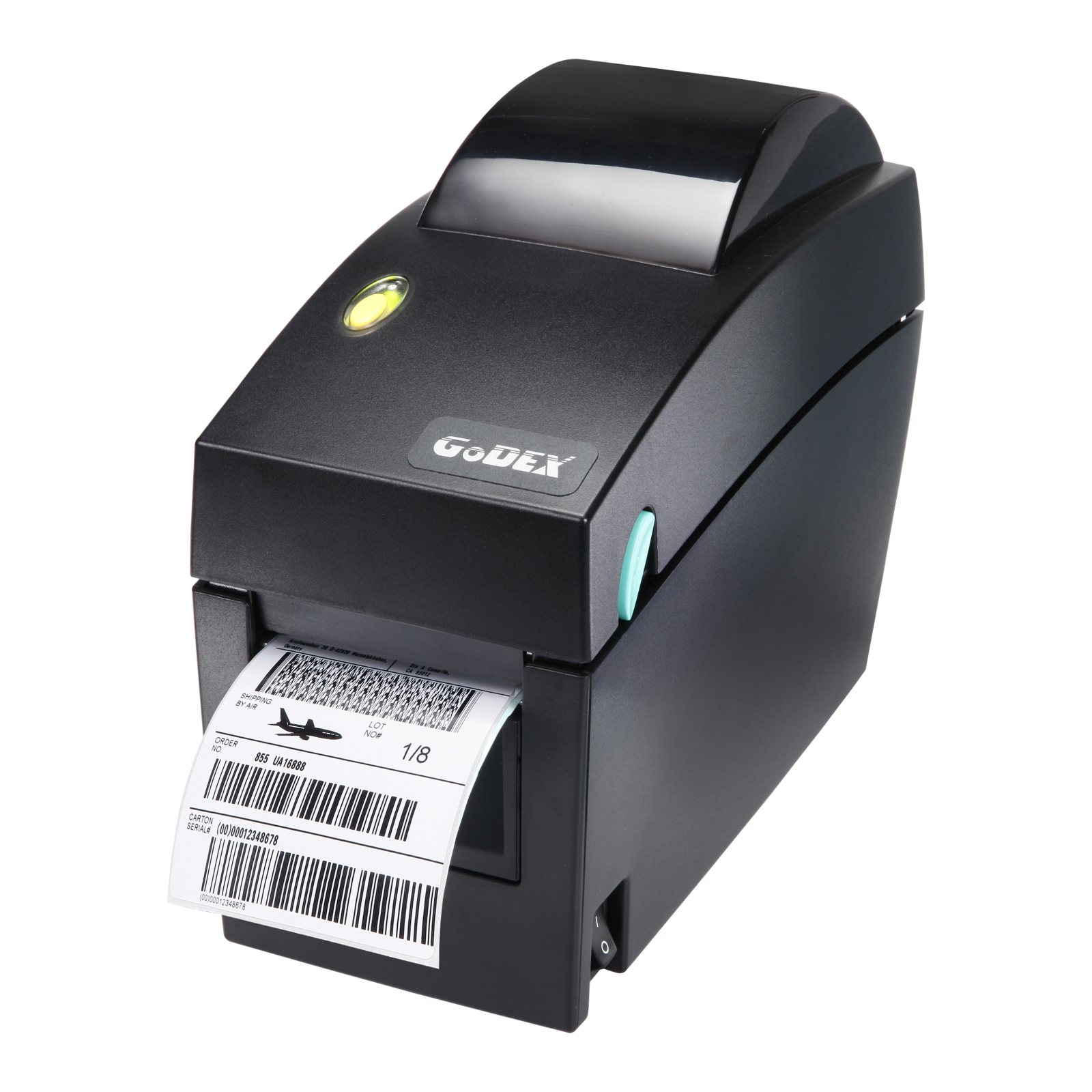
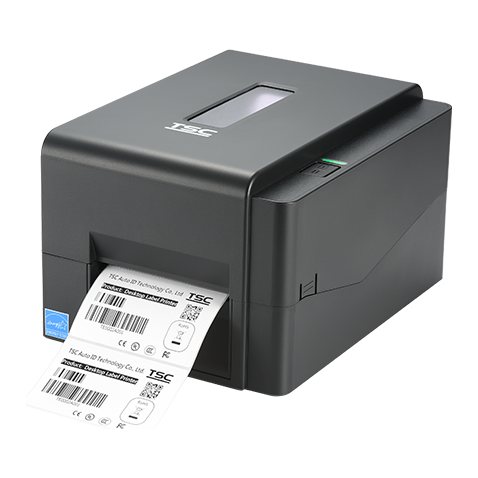
| Desktop | Light to moderate volumes | Shops, offices, clinics, dispatch desks |
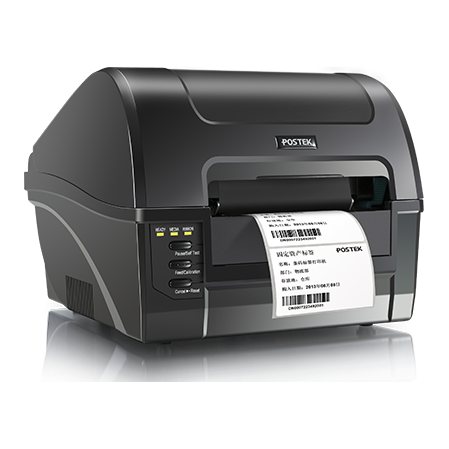
| Commercial | Steady daily printing in a small space | Busy retail counters and small warehouses |
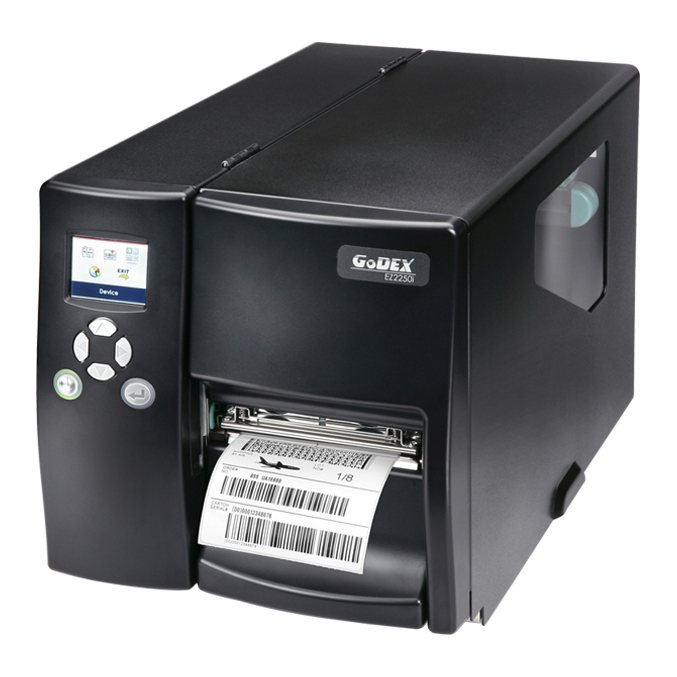
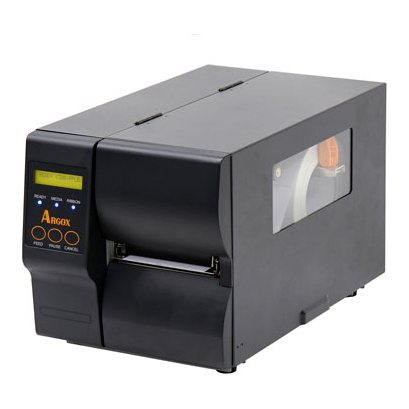
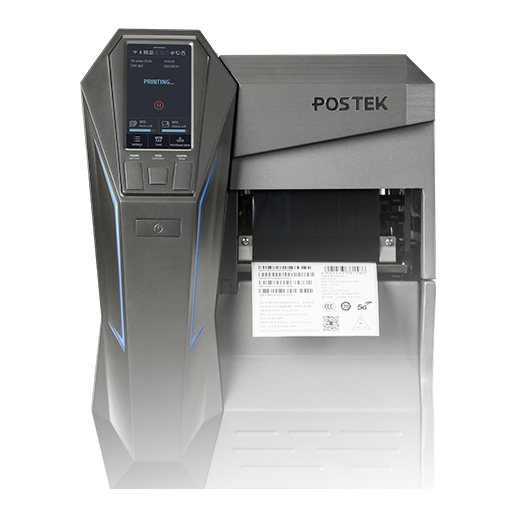
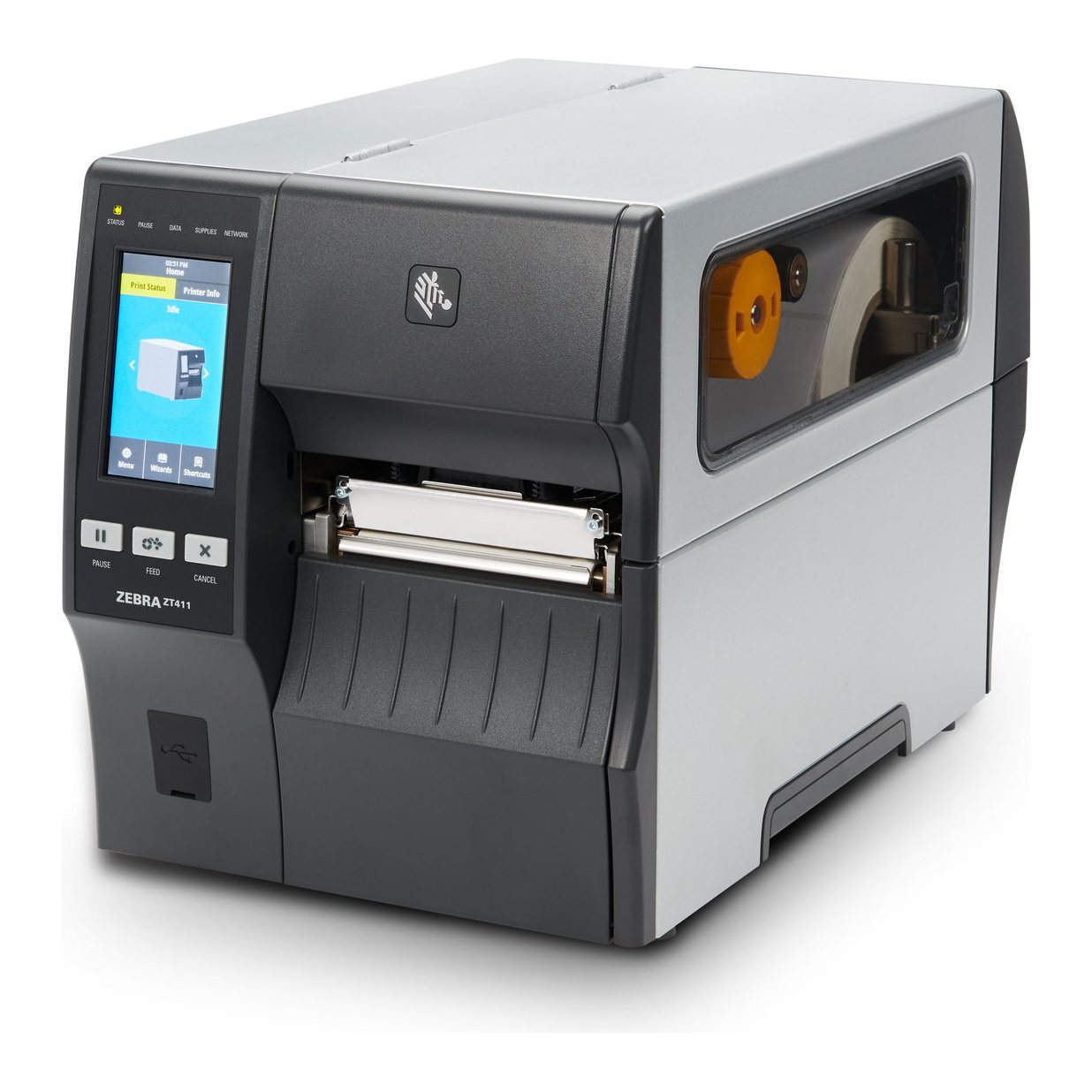
| Industrial | Long runs and continuous work | Factories, packing lines, large warehouses |
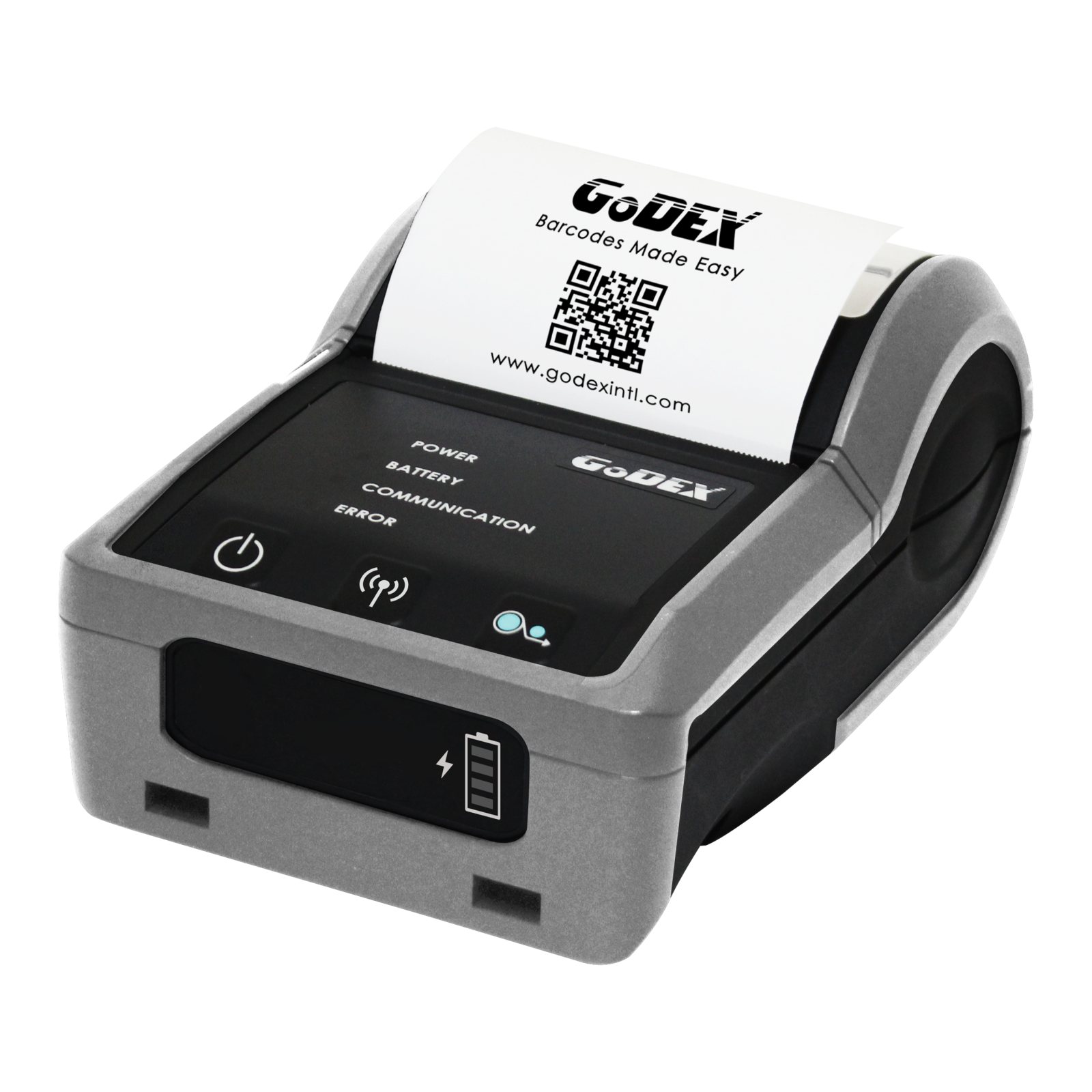
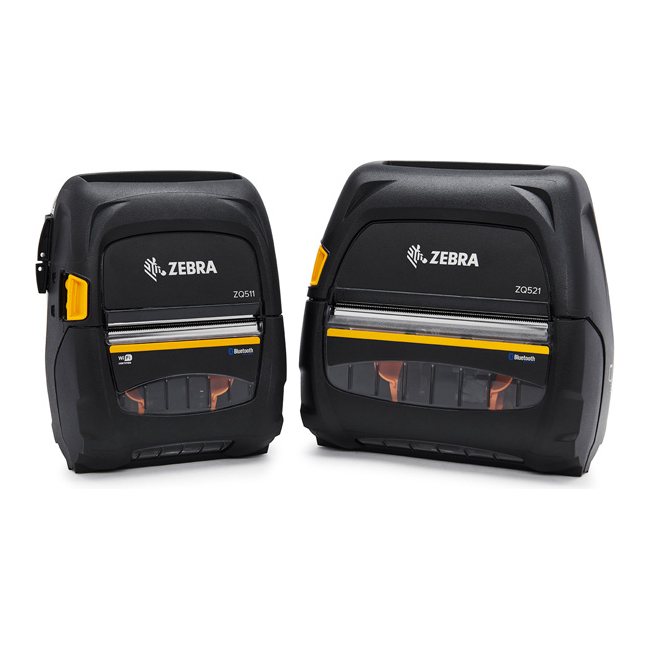
| Mobile | Printing where the work happens | Warehouse aisles, delivery, field service |
Count labels on your busiest day, not an average day, and allow for growth. A desktop printer run constantly beyond its intended use tends to wear faster and stop more often.
Direct thermal or thermal transfer
- Direct thermal: uses heat-sensitive labels and no ribbon. It is simple and suits short-life labels such as shipping, but print can fade with heat and light.
- Thermal transfer: melts ribbon onto the label. It lasts longer and works on paper and synthetic materials, so it suits product, asset and outdoor labels.
Most thermal transfer printers can also print direct thermal, so they are the flexible choice if your needs may change.
Choosing the resolution
| Resolution | Suits |
|---|---|
| 203 dpi | Shipping, carton and general retail labels |
| 300 dpi | Small text, small 2D codes, logos and jewellery labels |
| 600 dpi | Very small labels, such as electronics and component marking |
Other things to check
- Print width: most models are 4-inch. Choose 6-inch or wider only if your labels need it.
- Connections: USB for one computer, Ethernet for shared or networked printing, and Wi-Fi or Bluetooth where cables will not reach.
- Software: ask whether your application needs a particular printer language or driver.
- Media capacity: larger rolls and longer ribbons mean fewer changeovers on busy lines.
- Options: a cutter, peeler or rewinder is often easier to choose now than to add later.
- RFID: if you may encode tags later, look at RFID printers now.
Common mistakes to avoid
- Choosing on print speed alone: most lines are limited by how fast labels are applied, not printed.
- Forgetting the running cost: labels, ribbons and printheads continue long after the printer is paid for.
- Not testing your own labels: ask to see a print on your material with your artwork.
Common questions
Can one printer handle several label sizes?
Usually yes, within its minimum and maximum media width. Changing size is a matter of loading the roll and calibrating.
Do I need a special ribbon for each label?
The ribbon grade must suit the label material. See our ribbon guide and label guide.
Example
Illustrative: a packing line printing labels for most of the day would usually look at an industrial model, while a small shop printing price labels would usually be well served by a desktop printer.
Talk to Mindware
Mindware (Indian Barcode Corporation), based in Dwarka, New Delhi, can help you choose and test the right option. See the Zebra ZT411 Industrial Barcode Printer or send an export or domestic enquiry to our sales team.