
POS & Retail Automation
POS terminals, receipt printers, scanners, cash drawers and customer displays for billing counters.
A billing counter works only as well as its weakest device. A fast terminal cannot make up for a slow scanner, and a receipt printer that jams will still hold up the queue. POS hardware works best when it is chosen as a set and checked against the billing software you already use.
A typical counter includes a touch terminal, receipt printer, barcode scanner and cash drawer, and it may add a customer display or weighing scale. The operating system matters too, because some billing software runs only on Windows, while other software runs on Android. Connections, counter space and the volume of bills per day also affect the choice.
A consultation looks at your billing software, counter layout and peak-hour volumes, then suggests a compatible set. If you are upgrading, we also look at what can be kept, to avoid replacing equipment that is still working well.
Benefits
- Faster, more accurate billing
- Components that work together
- Compact counter footprint
- Reliable receipt printing
- Scalable from one counter to many stores
Applications
Where it is used
Implementation
How we work with you
- Understand counters and billing software
- Select terminal, printer, scanner and peripherals
- Supply and set up hardware
- Test with your billing software
- Support and consumables
Example scenario
How this kind of project could look
A restaurant group is opening new outlets and has different equipment at every counter, which makes support and staff training harder. Its billing software runs on one operating system only.
A consultation would start with the software requirements and counter space. A likely plan is one standard counter set of terminal, receipt printer and scanner, set up and checked at one outlet before being repeated at the others.
This example is illustrative. It does not describe a specific customer or a measured result.
Products
Relevant product categories
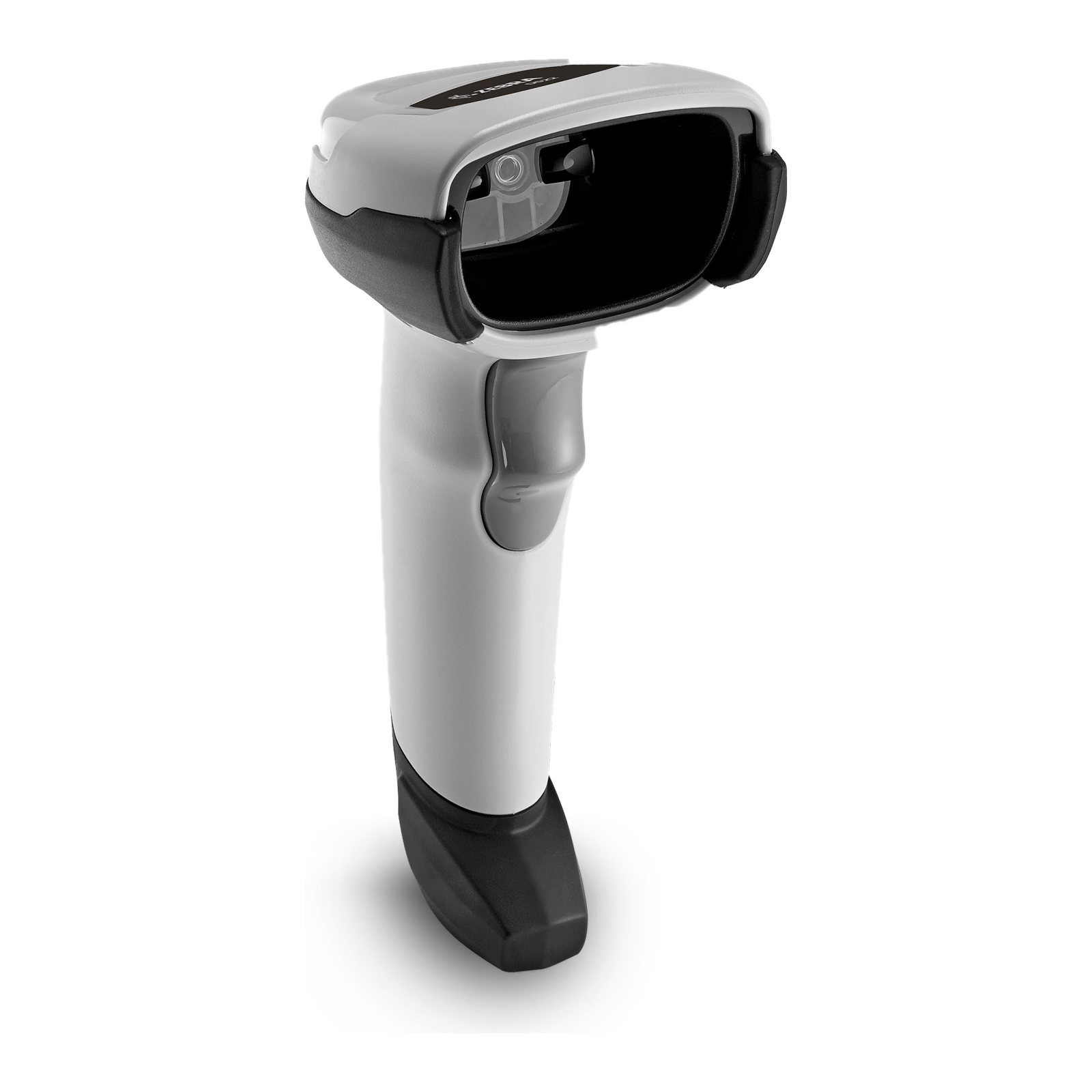
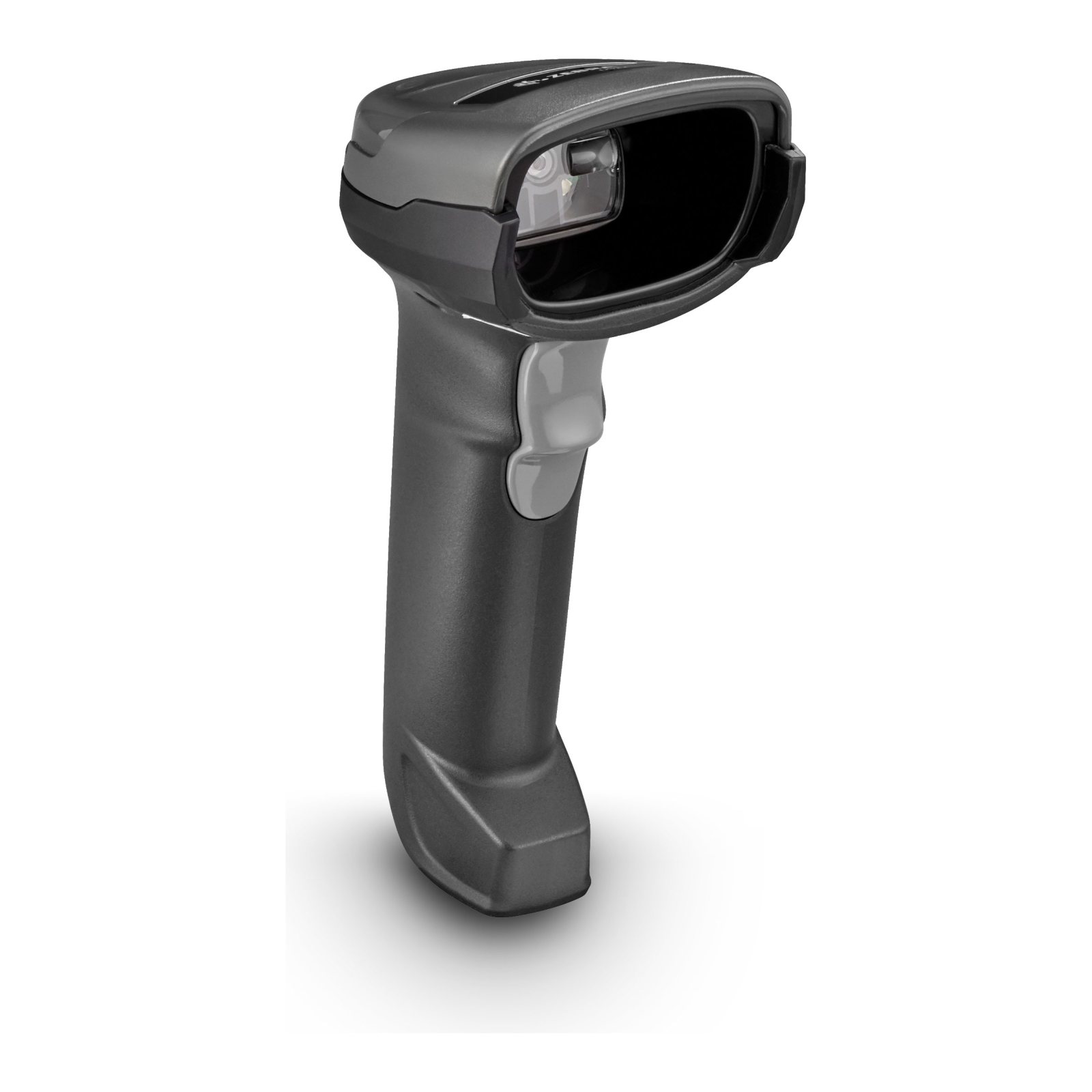
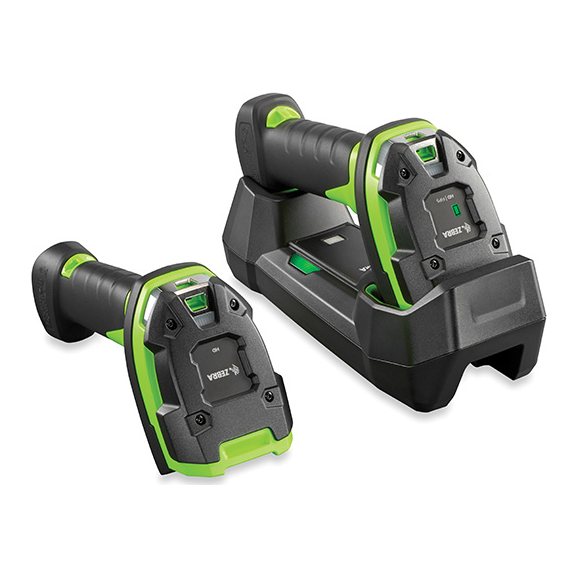
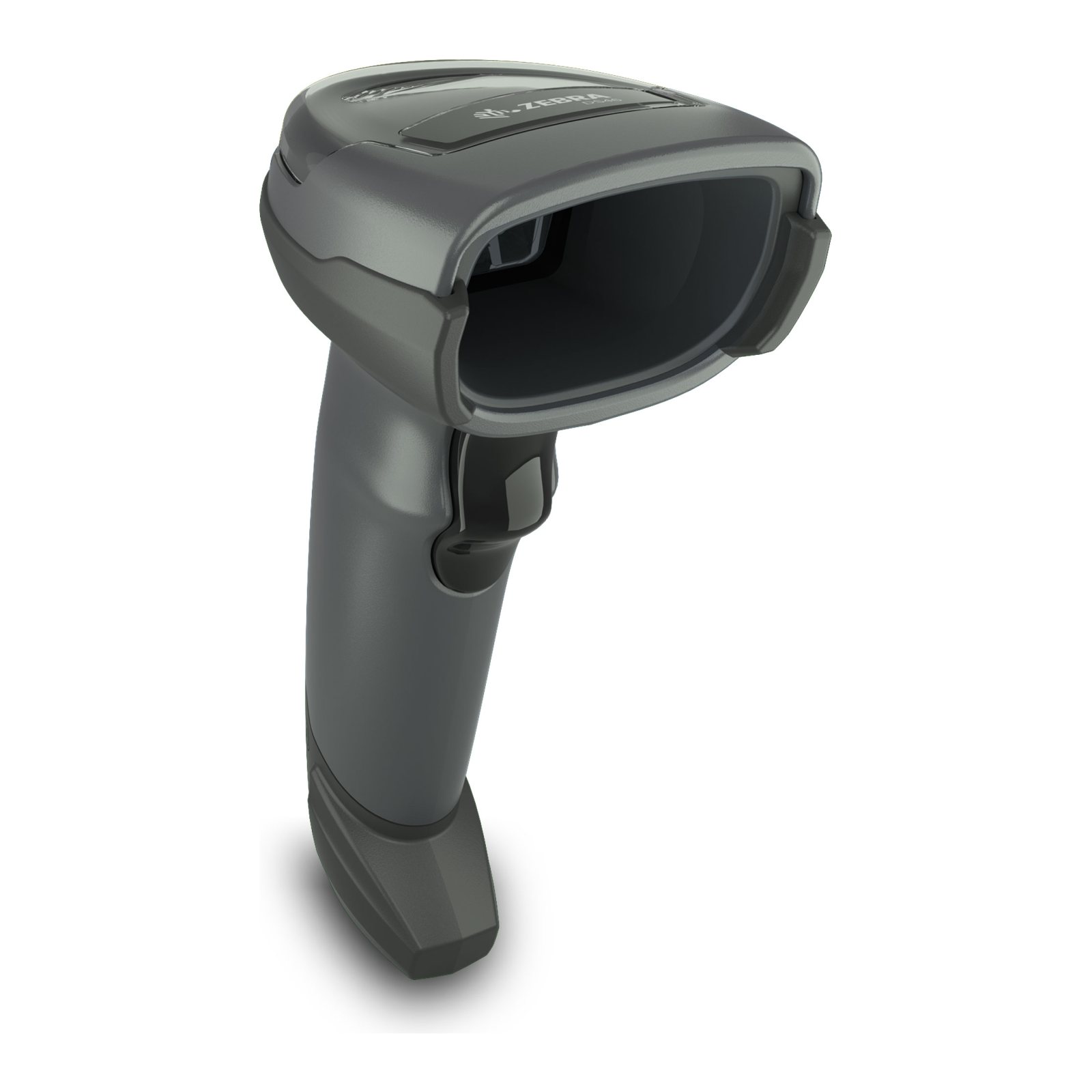
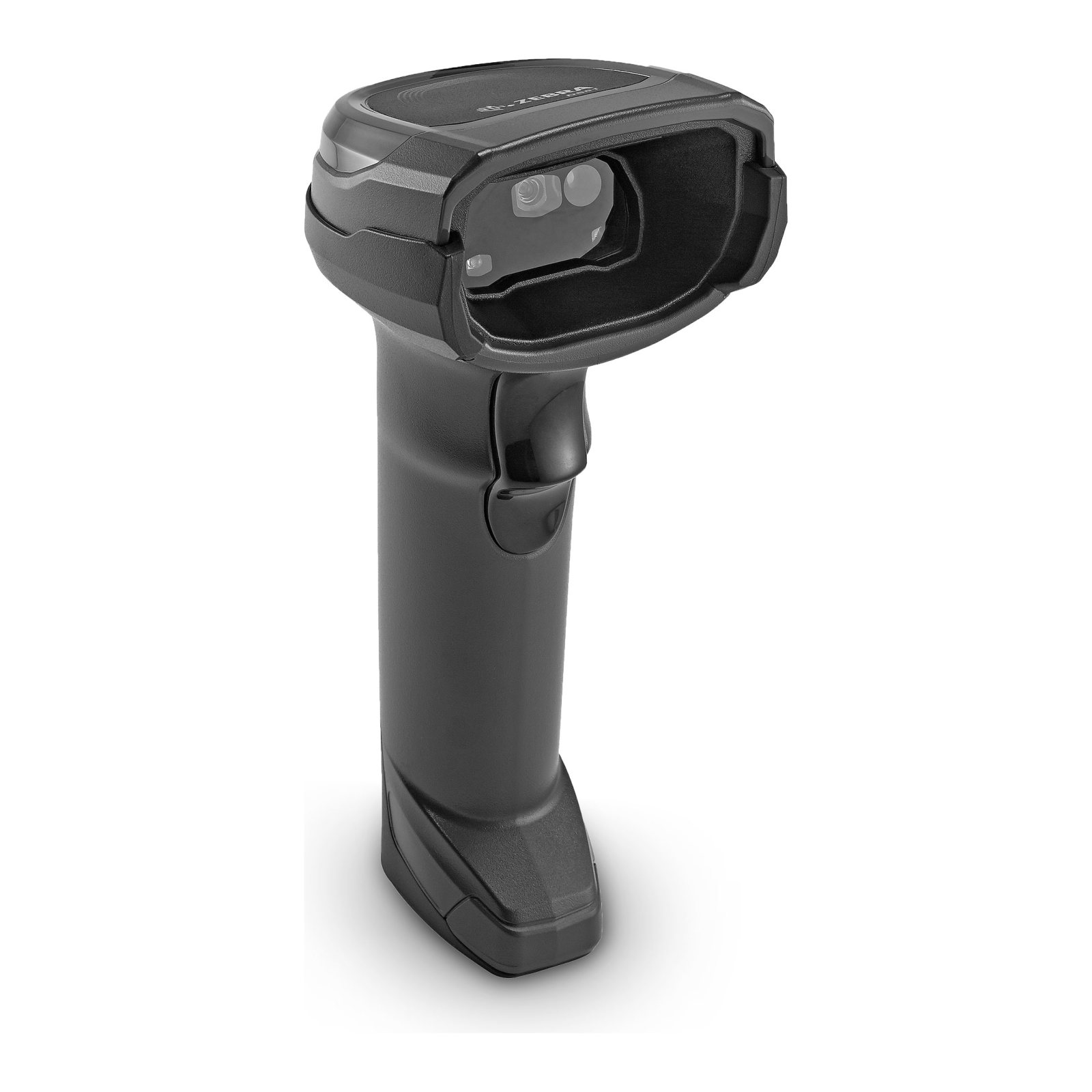
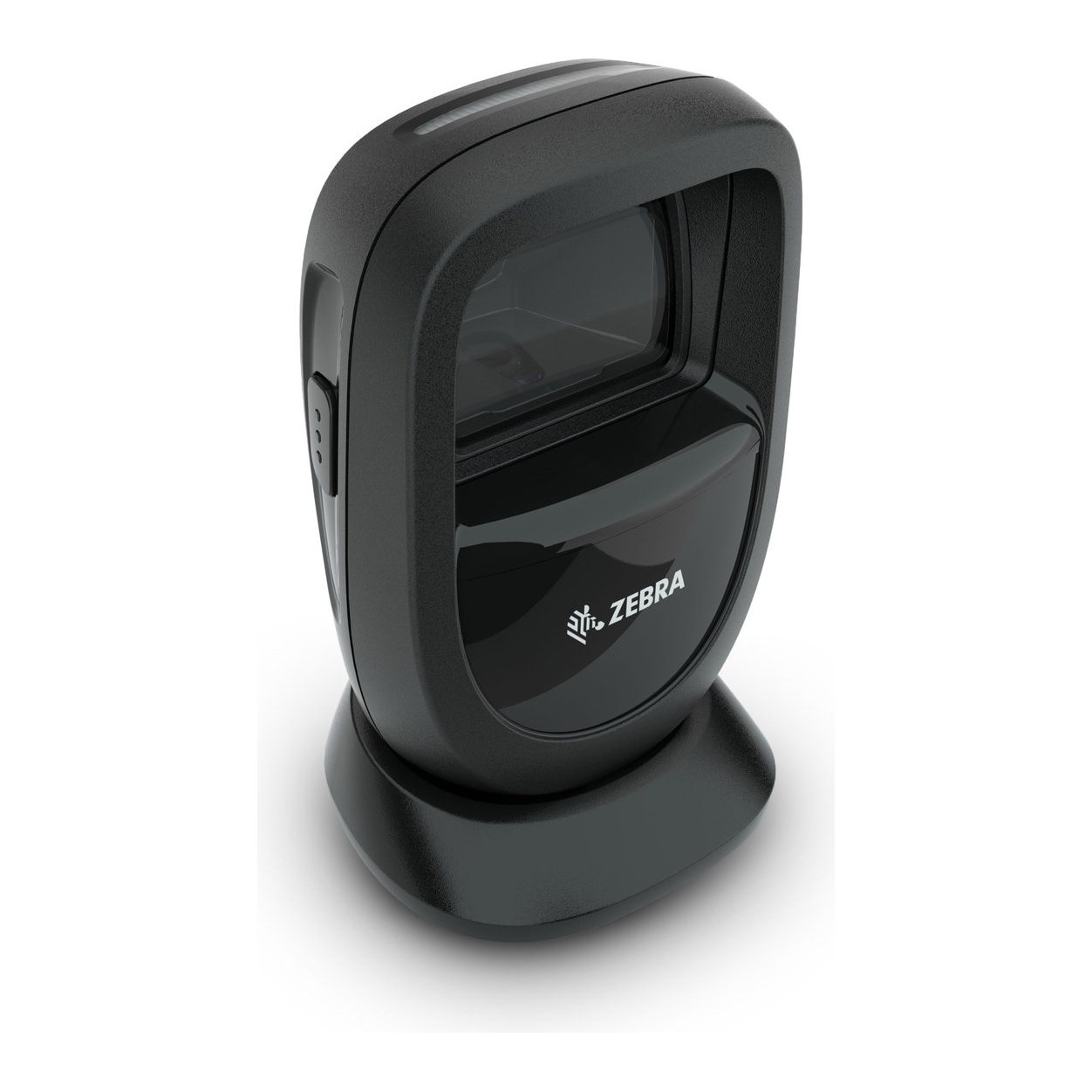
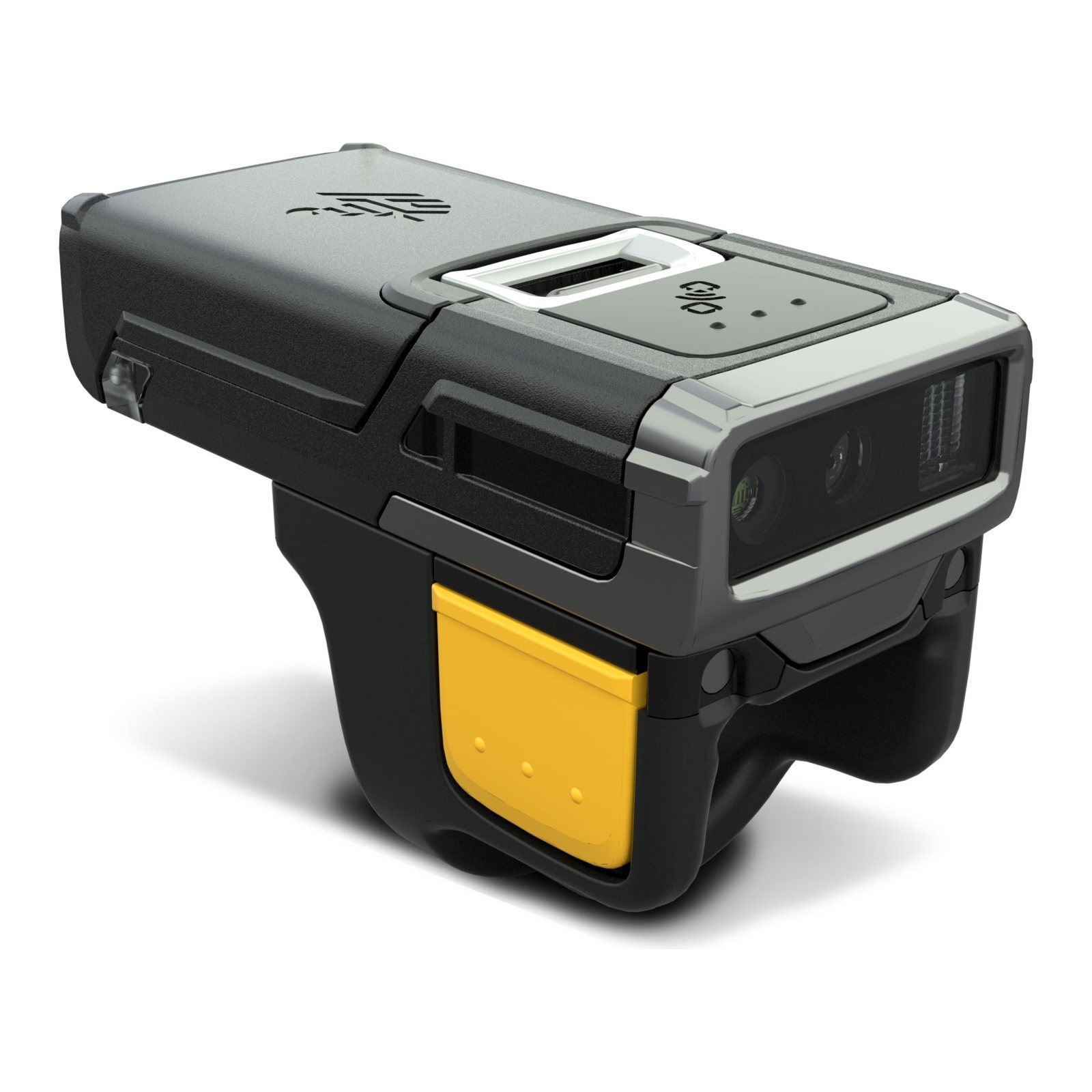
Barcode Scanners
Handheld, wireless, fixed-mount and presentation scanners for 1D and 2D barcodes.
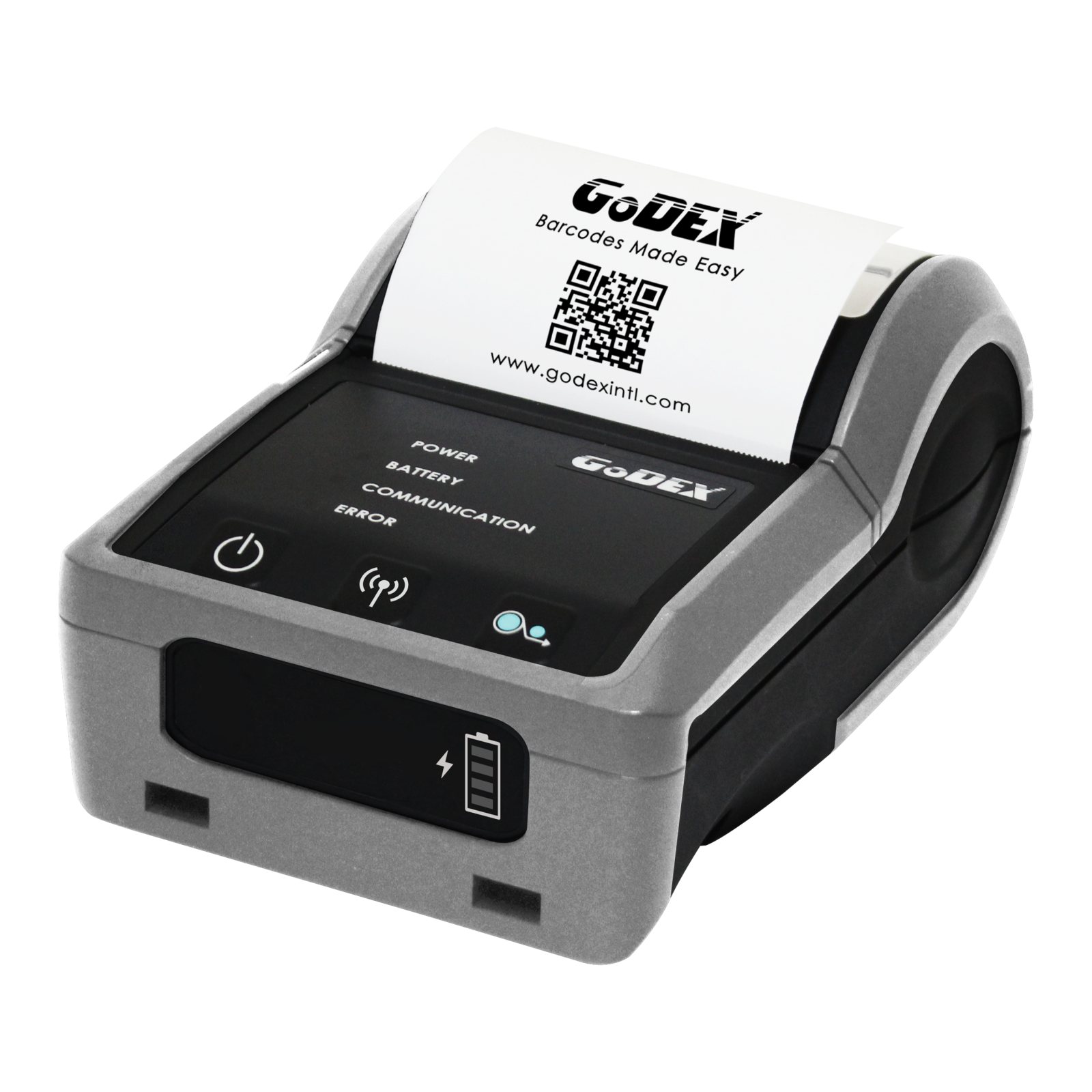
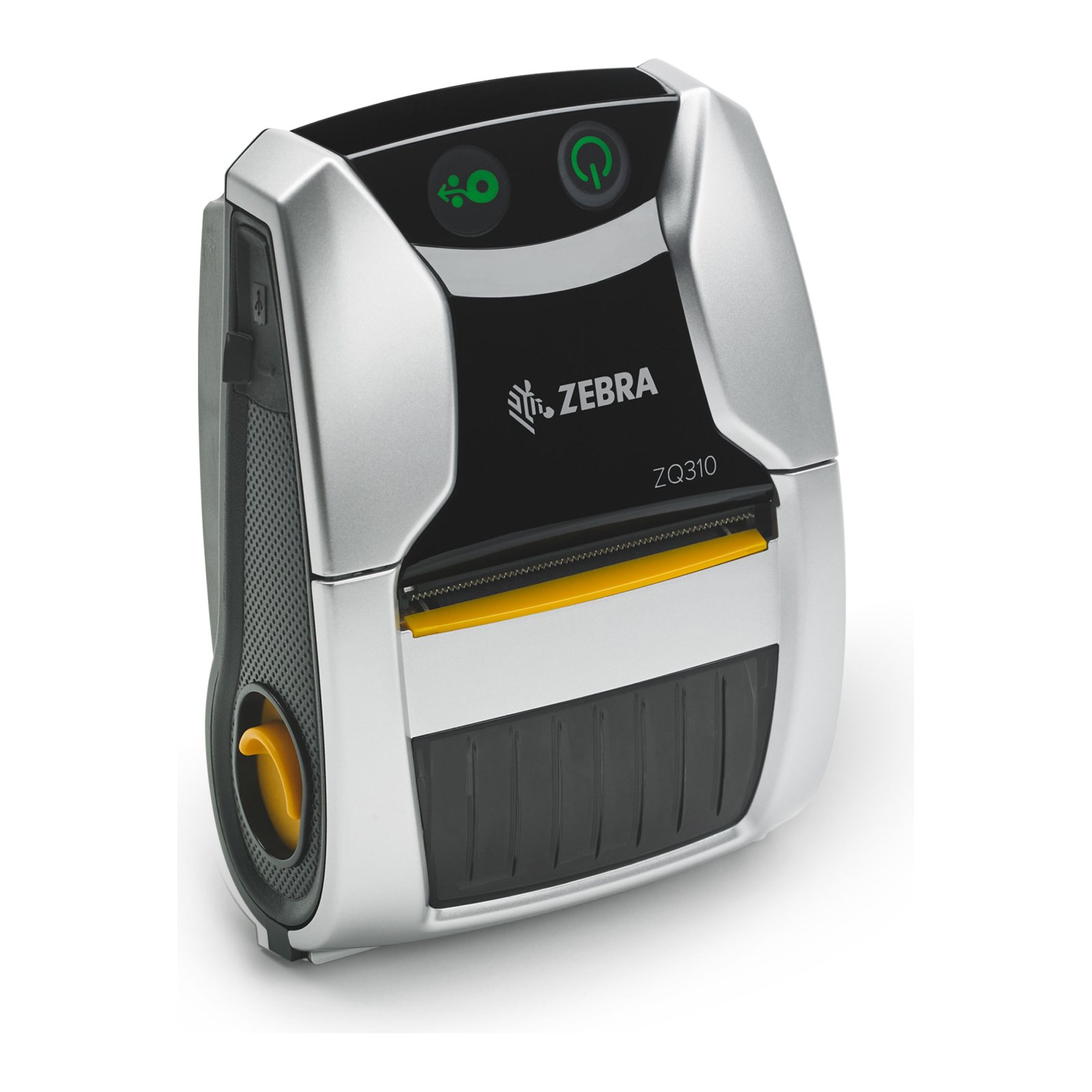
Mobile Printers
Rugged, battery-powered label and receipt printers for field, delivery and warehouse…
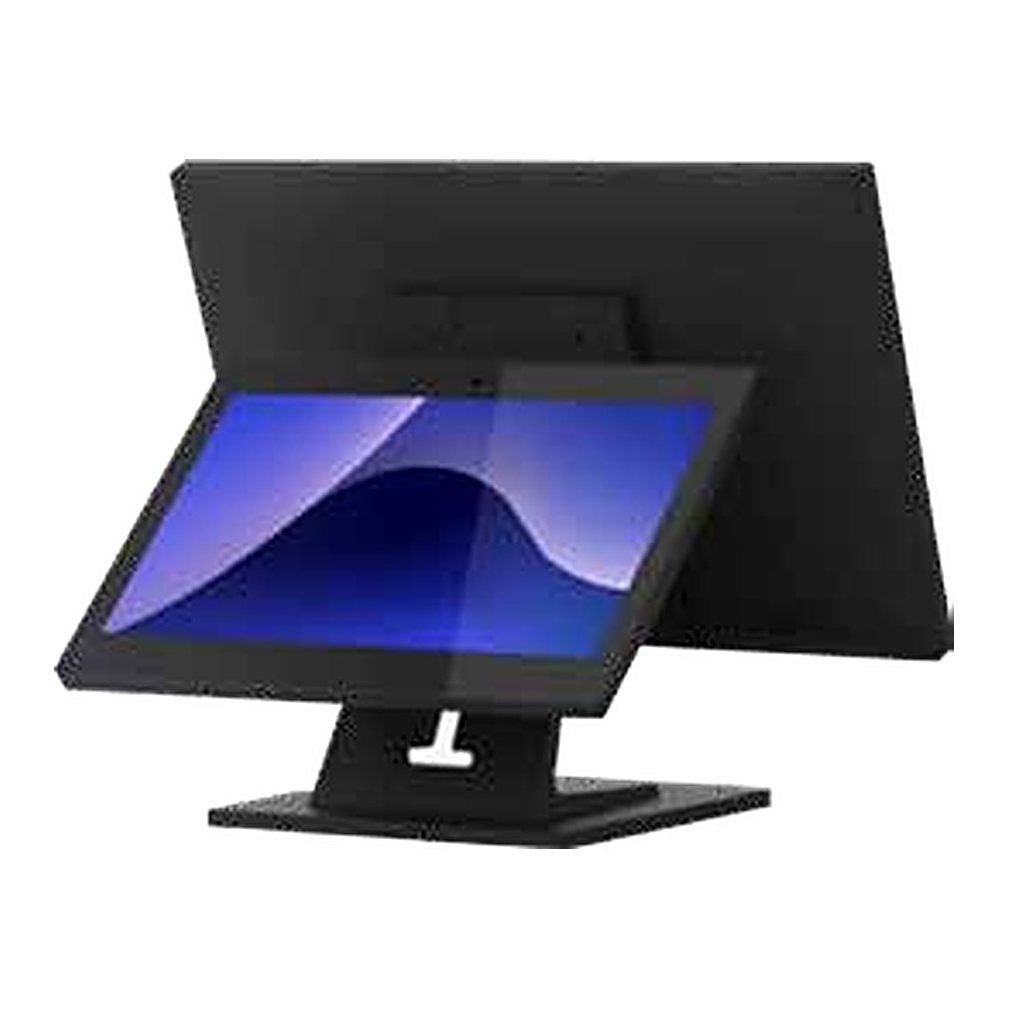
POS Terminals & Hardware
Android and touch POS terminals, receipt printers, cash drawers and customer displays for…
Industries using this solution
Questions
Frequently asked questions
Should I choose an Android or a Windows POS terminal?
Start with your billing software, because it decides which operating system you need. Please share the software name so we can check compatibility.
Do I need a 2-inch or a 3-inch receipt printer?
3-inch is common at fixed counters, while 2-inch suits compact and mobile use. Check which width your bill format needs.
Can I keep my existing scanner?
Often yes, if it connects properly to the new terminal and reads the codes you use. We can review your current equipment during the consultation.
Book a paid consultation
Consultation fee: ₹15,000 per consultation, by email or video call. Send your workflow, volumes and software. Our team will confirm your request and arrange your session once your payment is verified.
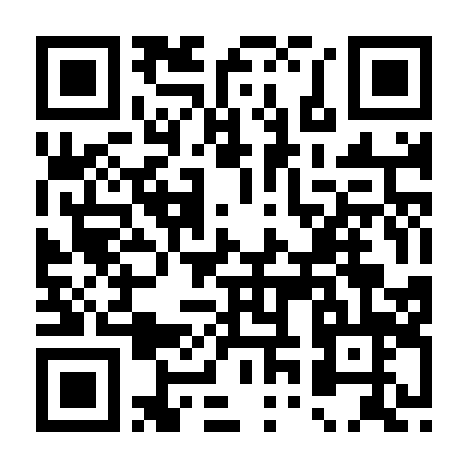
Pay by UPI only to MIND WARE, UPI ID mindware@naviaxis. After paying, send the form screenshot and payment screenshot to gm@indianbarcode.com for verification.